How to Add a New Issue
Record multiple issues for projects such as site inspections, audits or punch lists, with support for multiple photos per issue.
1 Navigate to the Projects tab
Open Site Report Pro and tap the Projects tab.
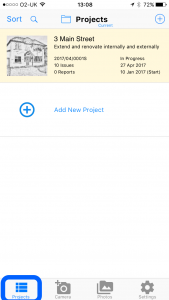
2 Select the project
Tap the project you want to add an issue to.

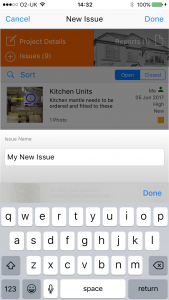
3 Enter the issue name
Tap the + button and enter the issue name.
4 Add photos and details
Add photos and fill in any additional details such as priority, status, tags and due date.
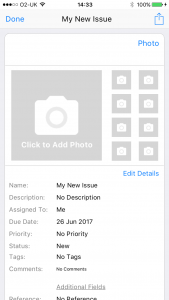
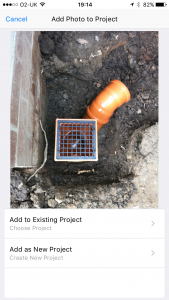
Tip: Issues can also be created directly from photos. In the tab menu at the bottom of the screen, tap the Camera button to take a new photo or tap the Photos button to browse the photo library of your device. When you have taken / selected your photos, tap Add as New Issue. The issue details can then be entered by tapping the Issue Details button.