How to Edit Issue Details
Modify issue attributes including photos, name, description, due date, priority, status, tags, location and more.
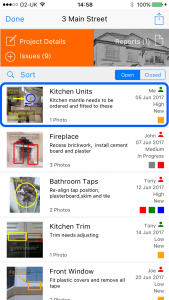
1 Tap the issue
Tap the issue you want to edit.
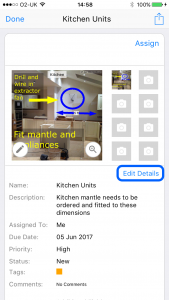
2 Tap Edit Details
Tap the Edit Details button.
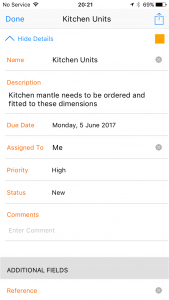
3 Enter the information
Edit the fields as required: photographs (up to 8), name, description, due date, priority, status, tags, reference number, location, creation date, assigned personnel, reviewer and comments.
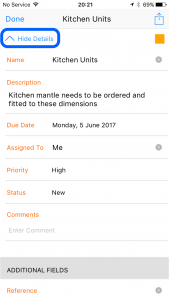
4 Tap Hide Details
Tap Hide Details when finished.