How to Change Report Fonts
Choose from multiple font options to customise the appearance of your PDF reports.
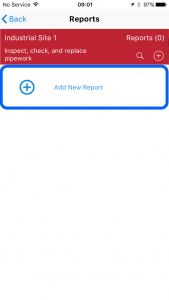
1 Tap Add New Report
Start creating a new report.
2 Scroll to Report Customisation
Scroll down to the Report Customisation section.
3 Select a font
Tap Font and select the required font from the list.
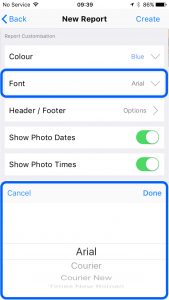
4 Tap Done
Tap Done to save your selection.
Tip: Your font selection is saved with each project for future reports. You can set global defaults in Settings > Reports.